Scenario trains custom models on your art and exposes them through an official hosted MCP. How to connect it to Claude Code and Codex, plans and licences, and where audio fits.
01Consistency is the hard part
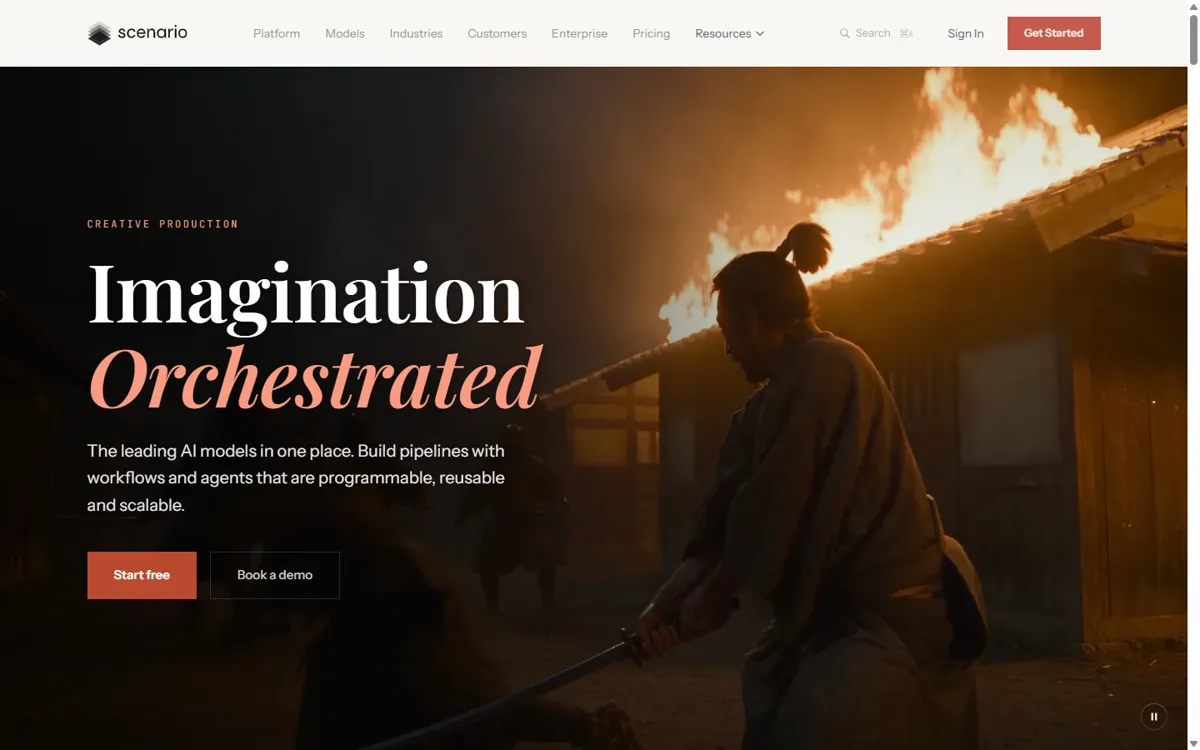
Generating one good image is easy; generating 200 items, icons and backgrounds that look like the same game is not. Scenario is built around that problem: you train a custom model on your own art and then generate images, video and 3D in that style. It gives access to many providers’ models in one place and has an official Unity plugin.
02Connect Scenario to Claude Code and Codex
Scenario runs an official hosted MCP server at https://mcp.scenario.com/mcp that accepts OAuth or an API key, and exposes the whole workspace: generate, train, manage and ship assets from the agent. Setup is in Scenario’s getting-started guide.
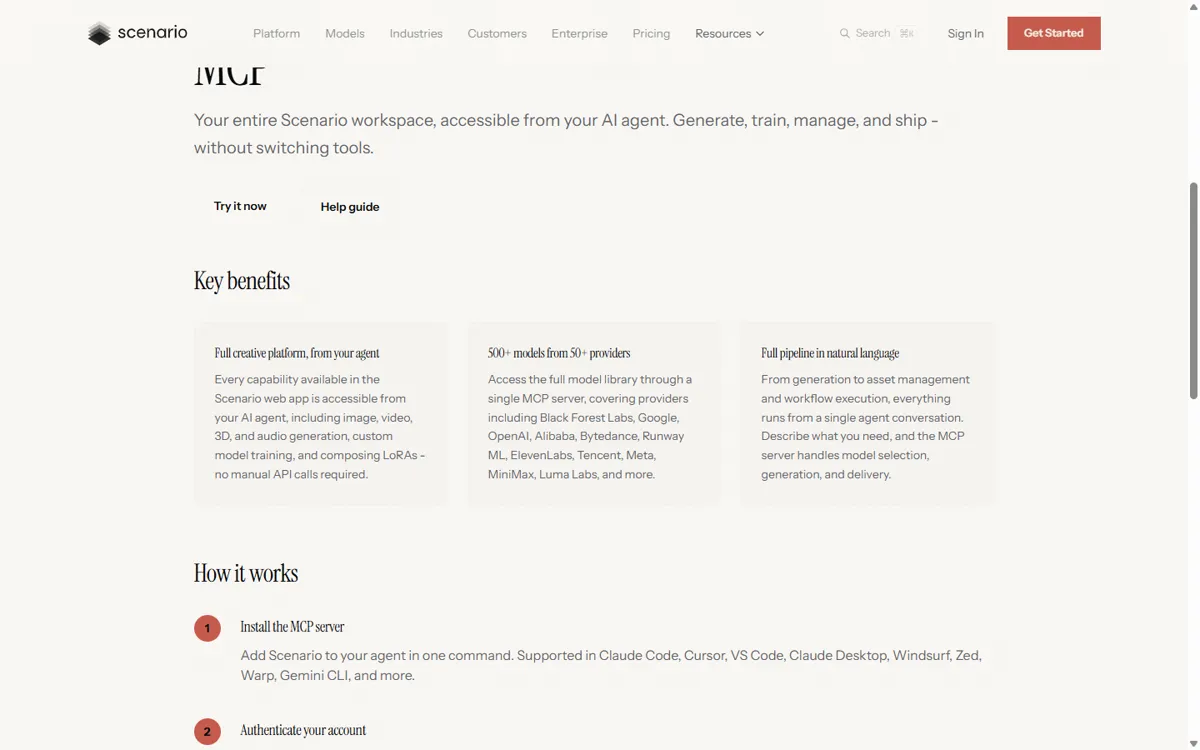
claude mcp add --transport http scenario https://mcp.scenario.com/mcp
codex mcp add scenario --url https://mcp.scenario.com/mcp
03Plans and licence
As of October 2026 the free plan gives 50 credits a day for personal or evaluation use only. Paid plans start at $15 (Starter), $45 (Pro, which includes custom training) and $75 (Max), and paid plans include a full commercial licence. See Scenario pricing.
04Match the sound to the style
A consistent visual style deserves a consistent sound. Write one style sentence for your game and reuse it in every SunoBoard prompt, the same way you reuse your Scenario model for every image.
Use our Scenario style model to create 12 inventory icons for a hand-painted fantasy RPG (potions, scrolls, keys, gems). Then use SunoBoard to generate a calm Celtic folk town theme and short UI sounds for equip, buy and level up that match a warm, hand-made fantasy feel.