Generate, retexture, rig and animate 3D game models with Meshy’s official MCP server in Claude Code. Setup, pricing, licences and how to give the same models sound.
01What Meshy covers
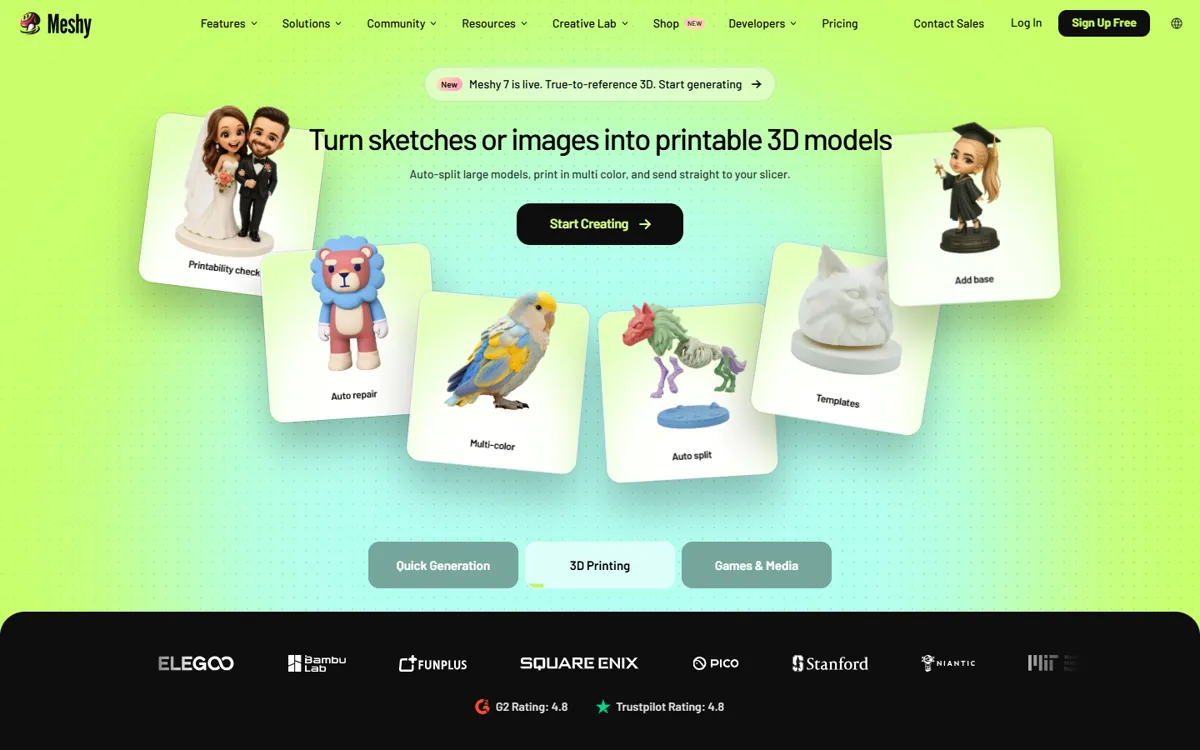
Meshy turns text, an image or several images into a textured 3D model. It can retexture an existing model, remesh it to quads or triangles (from 100 to 300k polygons), auto-rig characters and apply hundreds of ready-made animations. Exports include FBX, OBJ, GLB, USDZ, STL and BLEND, and Meshy offers bridges for Blender, Godot, Unity, Unreal, Roblox, Maya and 3ds Max.
The current models are meshy-6-lite, meshy-6 and meshy-7.1 (September 2026); meshy-5 retires on October 10, 2026.
02Connect Meshy to Claude Code
Meshy publishes an official MCP server on npm, @meshy-ai/meshy-mcp-server (MIT, 24 tools). It runs locally with npx and needs a Meshy API key, which requires the Pro plan or above. The README command for Claude Code is below; on Windows use "command":"cmd" with "args":["/c","npx",…].
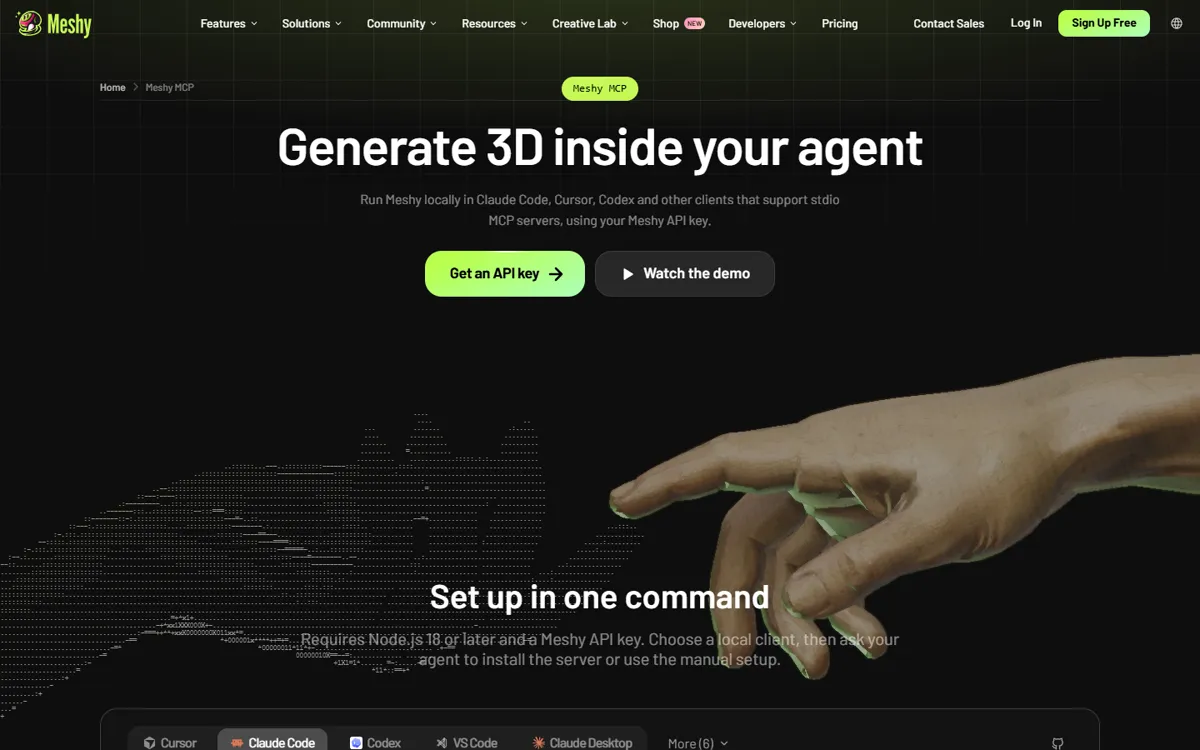
claude mcp add-json meshy '{"command":"npx","args":["-y","@meshy-ai/meshy-mcp-server"],"env":{"MESHY_API_KEY":"msy_YOUR_API_KEY"}}'
03Connect Meshy to Codex
Meshy’s agent docs point to an installer that writes the config for your client, including Codex. If you prefer to edit ~/.codex/config.toml yourself, the same local server looks like the block below (derived from OpenAI’s MCP config format):
npx add-mcp @meshy-ai/meshy-mcp-server --env MESHY_API_KEY=msy_YOUR_API_KEY
[mcp_servers.meshy] command = "npx" args = ["-y", "@meshy-ai/meshy-mcp-server"] [mcp_servers.meshy.env] MESHY_API_KEY = "msy_YOUR_API_KEY"
04Pricing and licence
As of October 2026: Free gives 100 credits a month and 10 downloads, and the output is published under CC BY 4.0 (commercial use is allowed with attribution, and Meshy owns it). Starter is $10 with no API; Pro is $20 for 1,000 credits and includes the API, plugins and MCP; Premium is $40 and Studio $70. On paid plans you own the output. Meshy shows prices in BRL for Brazil (Pro is R$107,90). See Meshy pricing.
05From model to playable object, with audio
A model only feels real in a game when it sounds right. Pair Meshy with SunoBoard sound effects so the agent creates the object, its animation and its sounds in one pass, and with SunoBoard music for the scene it lives in.
Use Meshy to create a low-poly stylized wooden treasure chest (GLB, under 10k triangles) with an open animation. Use SunoBoard to generate a short creaky wooden chest-opening sound and a bright 4-second treasure jingle. Import the model into the Godot scene, play the animation and both sounds when the player interacts.