How to connect PixelLab’s official MCP server to Claude Code and Codex, what it can generate, what it costs (including a Brazil-only plan) and how to add music and SFX to the same flow.
01What PixelLab does for a game
PixelLab is an AI generator made for pixel-art game assets. It creates characters in 4 or 8 directions (isometric too), animates them from a skeleton or a text description, and builds top-down and side-scroller tilesets, maps, map objects, UI elements and textures. You can also turn an image into pixel art or edit with inpainting.
You can use it in the web creator, in a Pixelorama-based editor, as an Aseprite extension, through its API, and through MCP. Tilesets export in formats that drop into tile editors such as Sprite Fusion; characters and animations export as PNG sprite sheets and GIFs.
02Connect PixelLab to Claude Code
PixelLab runs an official hosted MCP server at https://api.pixellab.ai/mcp, authenticated with your secret key. It exposes around 100 tools, such as create_character, animate_character, create_topdown_tileset, create_sidescroller_tileset, create_map_object, create_ui_asset and get_balance. Generation jobs take a few minutes, so the agent queues them and checks back. This is the command from PixelLab’s MCP page:
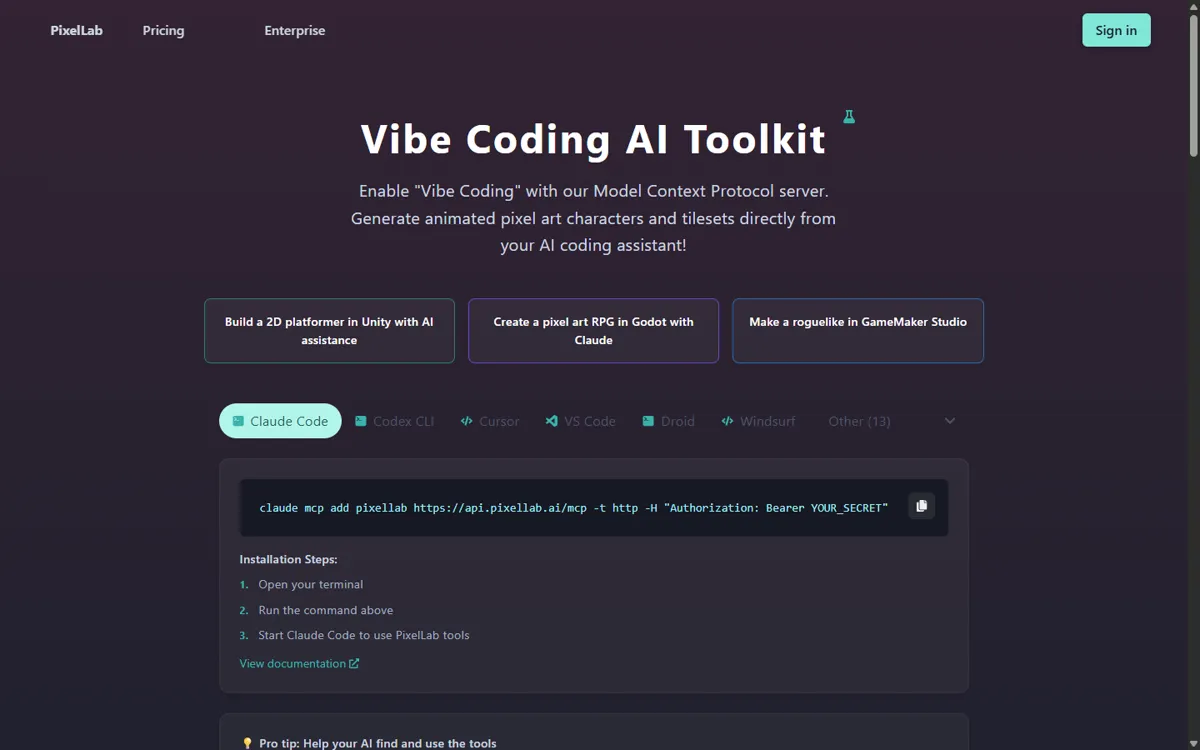
claude mcp add pixellab https://api.pixellab.ai/mcp -t http -H "Authorization: Bearer YOUR_SECRET"
03Connect PixelLab to Codex
For OpenAI Codex CLI, PixelLab documents a bridge through mcp-remote in ~/.codex/config.toml. Put your key in the AUTH_HEADER value and restart Codex:
[mcp_servers.pixellab] command = "npx" args = ["mcp-remote@latest","https://api.pixellab.ai/mcp","--transport","http-only","--header","Authorization:${AUTH_HEADER}"] [mcp_servers.pixellab.env] AUTH_HEADER = "Bearer YOUR_KEY"
04Pricing, licence and availability
As of October 2026 there is a free trial with 40 fast generations, then 5 slower generations a day, with API and MCP access included (maps are paid). Paid plans start at $12 a month for 2,000 generations (Pixel Apprentice), with larger tiers at $24 and $50. At the time of writing PixelLab also lists a Brazil-only entry plan, Pixel Novice, at $5 a month for 700 generations. Check PixelLab for current prices.
Per PixelLab’s terms, you own what you generate and can use it commercially, including on the free trial; the main restriction is that you may not use the outputs to train AI models.
05A pixel-art workflow with sound
Pixel art and chiptune belong together. With PixelLab and SunoBoard connected to the same agent, one request can produce the character, its animations, the stage music and the sound effects, already named and placed in your project. Keep prompts specific about size, palette and loop needs.
Use PixelLab to create a 32x32 knight character in 4 directions with walk and attack animations, and a side-scroller cave tileset. Then use SunoBoard to generate an 8-bit cave theme (square lead, triangle bass, noise drums, loopable) and sound effects for sword swing, jump and coin pickup. Save to assets/ and update the sprite and audio loaders.
claude mcp add --transport http sunoboard https://mcp.sunoboard.com/mcp --header "Authorization: Bearer sb_YOUR_KEY"